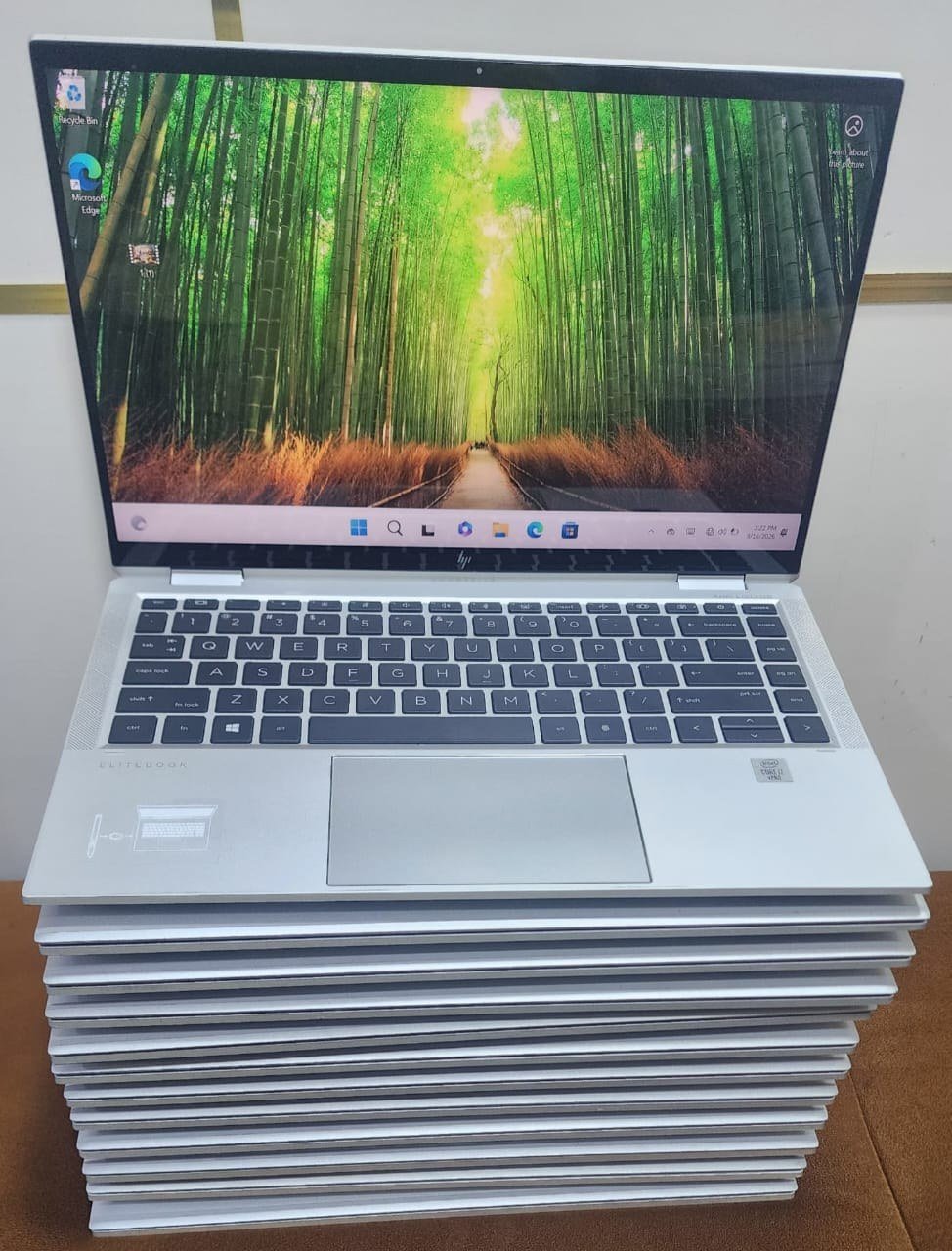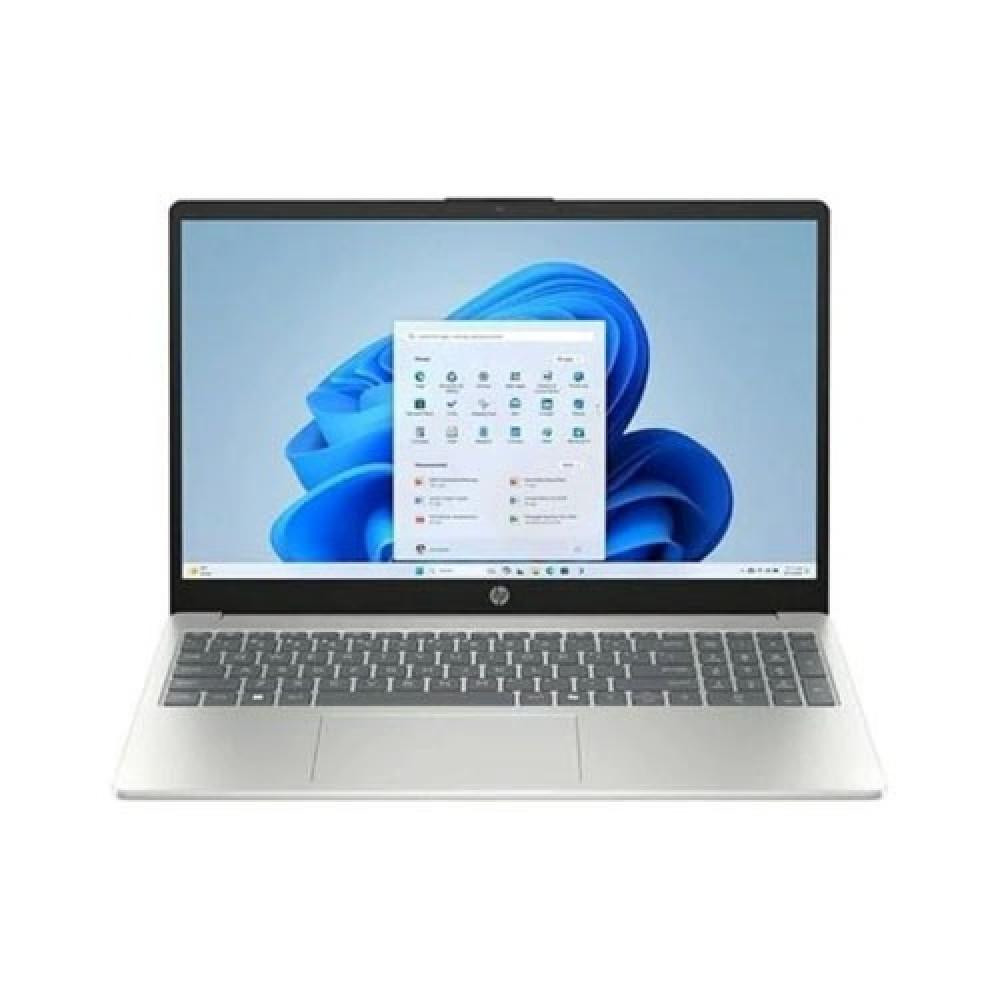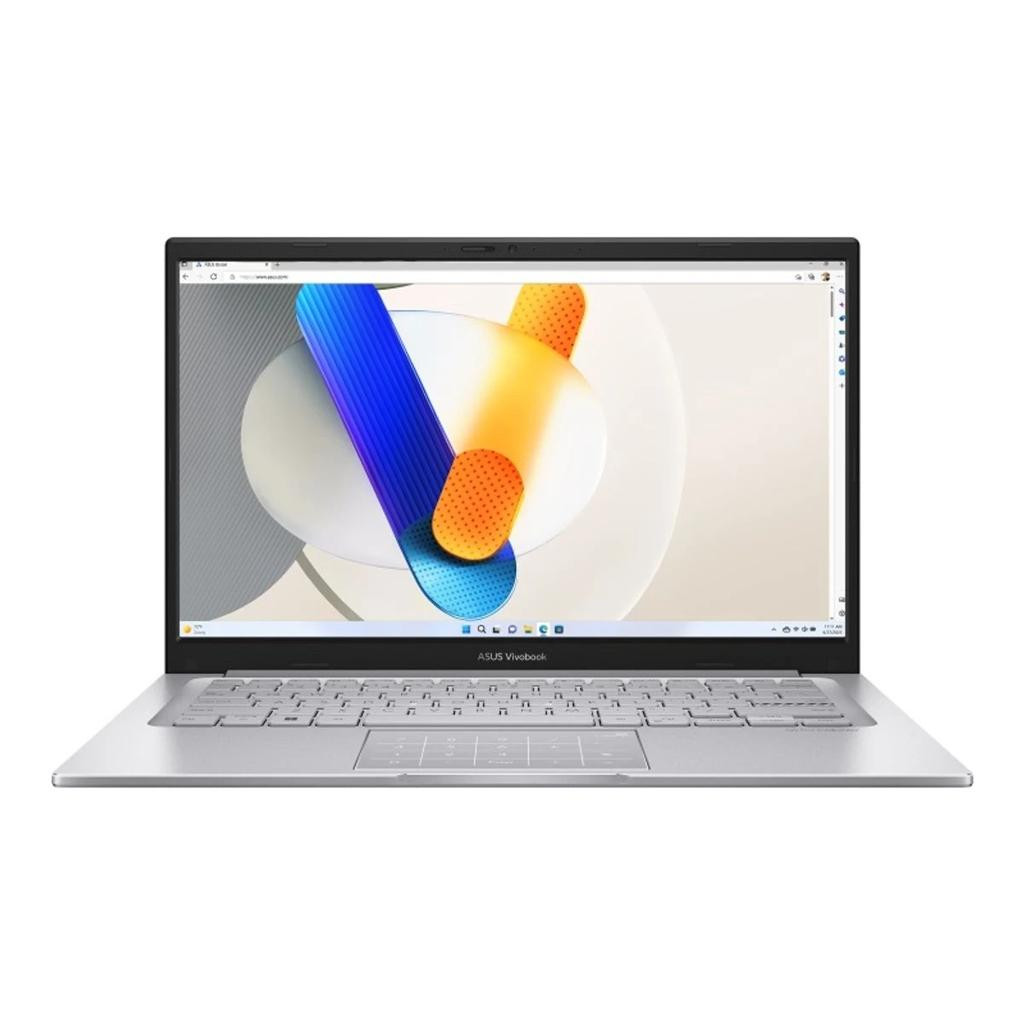
ASUS Vivobook 14 — Intel Core 7 150U | 8GB DDR5 | 512GB PCIe 4.0 NVMe SSD | 14" FHD | Non-Touch | Windows 11 Home | Cool Silver
New: Brand new and unused, in the maker’s sealed box. Factory-sealed.
- 3-day return windowInspect it on arrival; terms in our warranty policy
- Secure paymentsCard & transfer via Paystack
- Test before you payAt our store in Computer Village, Ikeja

Delivery to your state
Dispatched from Computer Village, Ikeja. Pick a state to see the time and cost.
Or collect it free from our Ikeja store and test it before you pay.
All delivery zones
- Lagos (Ikeja & environs)Same day – 24 hoursfrom ₦3,000
- Lagos (Island & other LGAs)24 – 48 hoursfrom ₦4,500
- South-West & South-South1 – 3 business daysfrom ₦6,000
- North & other regions2 – 5 business daysfrom ₦8,000
- Processor
- Intel Core 7 150U
- Memory (RAM)
- 8GB DDR5 — Upgradeable
- Storage
- 512GB M.2 NVMe PCIe 4.0 SSD
- Screen
- 14-inch Full HD
- Graphics
- Intel Graphics
- Operating system
- Windows 11 Home
- Ports
- USB-A, HDMI
- Condition
- New
Customer reviews
Overview
The ASUS Vivobook 14 — Intel Core 7 150U | 8GB DDR5 | 512GB PCIe 4.0 NVMe SSD | 14" FHD | Non-Touch | Windows 11 Home | Cool Silver is a 14" laptop from ASUS's Vivobook 14 line. This unit is brand new and configured with Intel Core 7 150U, 8GB DDR5 — Upgradeable RAM, 512GB M.2 NVMe PCIe 4.0 SSD. Sold by ZagoTech with a 1-year warranty.
Performance
8 GB RAM and Intel Core 7 150U handle office work, browsing and video calls smoothly. 8 GB RAM and Intel Core 7 150U are comfortable for coding, compiling and running local dev servers. Android Studio with the phone emulator is rated moderate; good would take 16 GB RAM. Graphics: Intel Graphics — suited to casual and older games only.
Who it suits
A good fit for students, business users & remote workers, software developers, web developers, cloud & DevOps engineers, cybersecurity students and data analysts.
Worth knowing
Not built for high-end gaming, professional 4K video production, heavy 3D rendering, training large AI models locally, large-scale virtualization (many VMs) and multi-node kubernetes clusters.
Full specifications
ZagoTech configurationThis unit
The exact machine you receive. Where it differs from the manufacturer's specification below (upgraded memory, for example), this is what counts.
- Processor
- Intel Core 7 150U
- Memory (RAM)
- 8GB DDR5 — Upgradeable
- Storage
- 512GB M.2 NVMe PCIe 4.0 SSD
- Display
- 14-inch Full HD
- Graphics
- Intel Graphics
- Operating system
- Windows 11 Home
- Condition
- New
- Warranty
- 1-year hardware warranty
Manufacturer specification, from the manufacturer's published product data.
General2
- Brand
- ASUS
- Product family
- Vivobook 14
Memory1
- Memory type
- DDR4-SDRAM
Display3
- Screen size
- 14" (35.6 cm)
- Touchscreen
- No
- Aspect ratio
- 16:9
Graphics1
- Integrated / dedicated
- Integrated
Ports3
- USB-A
- 1× USB 3.2 Gen 1 (3.1 Gen 1) Type-A
- HDMI
- 1× HDMI
- Audio jack
- Combo headphone/mic
Camera & Audio2
- Webcam
- Yes
- Microphones
- Yes
Keyboard & Input3
- Numeric keypad
- No
- Touchpad
- Touchpad
- 2-in-1 / convertible
- No
Battery1
- Charger
- 45 W
What can this PC run?
Rated from this unit's actual hardware — 8 GB RAM and Intel Core 7 150U, Intel Graphics — against published rules, not guesswork. Tap a rating for the detail.
Office & Everyday IT
8 GB RAM and Intel Core 7 150U handle office work, browsing and video calls smoothly.
- Microsoft Office, email & web browsing
- Video meetings & online learning (Zoom, Teams, Meet)
- Heavy multitasking (many tabs and apps at once)For excellent: 16 GB RAM
Programming
8 GB RAM and Intel Core 7 150U are comfortable for coding, compiling and running local dev servers. Android Studio with the phone emulator is rated moderate; good would take 16 GB RAM.
- Python, JavaScript, TypeScript, Java, C/C++, C#, Go, Rust, PHP, SQL, HTML/CSS
- React, Next.js & Node.js development serversFor excellent: 16 GB RAM
- VS Code, Git, GitHub & GitLab
- Visual Studio, IntelliJ IDEA & EclipseFor excellent: 16 GB RAM
- Android Studio with the phone emulatorFor good: 16 GB RAM
Cloud & DevOps
8 GB RAM and Intel Core 7 150U run Docker containers and cloud tooling comfortably. Multi-node Kubernetes clusters in VMs is rated limited; moderate would take 16 GB RAM.
- AWS CLI, Azure CLI & Google Cloud CLI
- Terraform, Ansible & CI/CD pipelines
- Docker & Docker ComposeFor excellent: 16 GB RAM
- Kubernetes learning (Minikube, Kind, Helm)For good: 16 GB RAM
- Multi-node Kubernetes clusters in VMsFor moderate: 16 GB RAM
Cybersecurity Labs
8 GB RAM and Intel Core 7 150U run a Kali / Parrot VM alongside the host with room to spare. SIEM & security-monitoring labs is rated limited; moderate would take 16 GB RAM.
- Wireshark, Nmap & Burp Suite
- Kali Linux / Parrot OS in a virtual machineFor excellent: 16 GB RAM
- Metasploit & OWASP labs (attacker + target VMs)For good: 16 GB RAM
- SIEM & security-monitoring labs (Wazuh, Elastic, Splunk)For moderate: 16 GB RAM
Networking Labs
8 GB RAM and Intel Core 7 150U run small GNS3 labs; Packet Tracer runs easily. EVE-NG & large firewall / multi-vendor topologies is rated limited; moderate would take 16 GB RAM.
- Cisco Packet Tracer & CCNA labs
- GNS3 routing & switching labs with real router imagesFor good: 16 GB RAM
- EVE-NG & large firewall / multi-vendor topologiesFor moderate: 16 GB RAM
Virtualization
8 GB RAM and Intel Core 7 150U run virtual machines comfortably. A Windows VM is rated limited; moderate would take 16 GB RAM.
- One Linux VM (VMware Workstation, VirtualBox, Hyper-V)For excellent: 16 GB RAM
- A Windows VMFor moderate: 16 GB RAM
- Several VMs running at the same timeFor moderate: 16 GB RAM
- Proxmox / nested home-lab virtualizationFor moderate: 16 GB RAM
AI & Data Science
8 GB RAM and Intel Core 7 150U handle data analysis in Python and Jupyter comfortably. Running local AI models is rated not recommended; limited would take 16 GB RAM.
- Python, Jupyter, pandas & scikit-learnFor excellent: 16 GB RAM
- Training neural networks (TensorFlow, PyTorch)For moderate: an NVIDIA graphics card (CUDA), 4 GB of video memory
- Running local AI models (LLMs)For limited: 16 GB RAM
Graphic Design
8 GB RAM and Intel Core 7 150U handle Photoshop with moderate file sizes. Photoshop & Illustrator is rated moderate; good would take 16 GB RAM.
- Canva & Figma
- Photoshop & IllustratorFor good: 16 GB RAM
Video Editing
8 GB RAM and Intel Core 7 150U are not built for regular video editing. 4K editing & colour grading is rated not recommended; limited would take 16 GB RAM.
- 1080p editing (Premiere Pro, DaVinci Resolve)For moderate: modern graphics (Iris Xe class or better)
- 4K editing & colour gradingFor limited: 16 GB RAM
- After Effects motion graphicsFor moderate: 16 GB RAM, modern graphics (Iris Xe class or better)
CAD & 3D
8 GB RAM and Intel Core 7 150U suit viewing drawings rather than heavy CAD work. Blender 3D modelling & rendering is rated not recommended; limited would take modern graphics (Iris Xe class or better).
- AutoCAD 2D draftingFor excellent: 16 GB RAM
- Revit, SolidWorks & 3D CAD modellingFor moderate: 16 GB RAM, modern graphics (Iris Xe class or better)
- Blender 3D modelling & renderingFor limited: modern graphics (Iris Xe class or better)
Gaming
8 GB RAM and Intel Core 7 150U with integrated graphics suit casual and older games only. Modern games is rated not recommended; limited would take modern graphics (Iris Xe class or better).
- Modern gamesFor limited: modern graphics (Iris Xe class or better)
- Esports & older titles (Valorant, CS2, FIFA, GTA V)For moderate: modern graphics (Iris Xe class or better)
- Virtualization ratings assume VT-x / AMD-V is switched on in the BIOS (it usually is; it takes a minute to check).
Recommended for
- Students
- Business users & remote workers
- Software developers
- Web developers
- Cloud & DevOps engineers
- Cybersecurity students
- Data analysts
Not ideal for
- High-end gaming
- Professional 4K video production
- Heavy 3D rendering
- Training large AI models locally
- Large-scale virtualization (many VMs)
- Multi-node Kubernetes clusters